
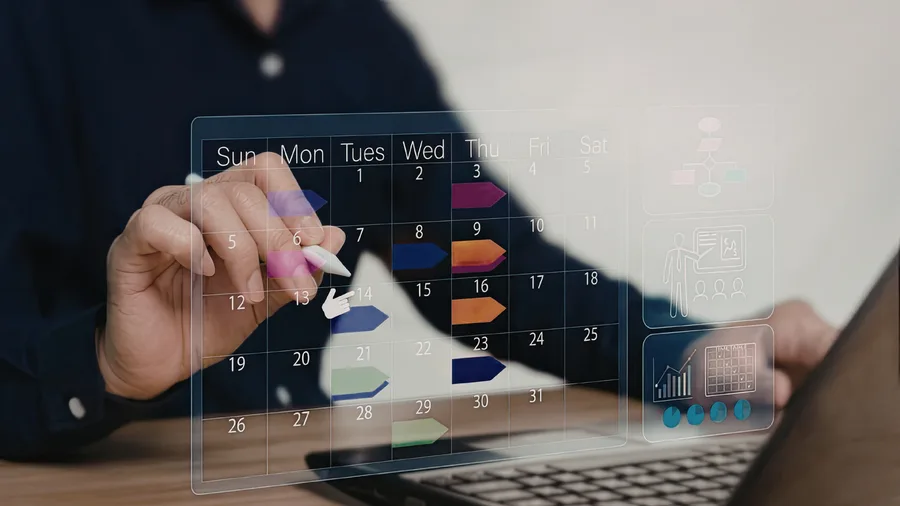
Excel is the backbone of workforce scheduling in many businesses. It is already there, it costs nothing extra and somehow it works. Until it does not. The shift from “it still manages” to “it costs us time and stress every day” usually happens gradually. This article explains when Excel reaches its limits and what a digital solution does concretely better.
What Excel Does Well
Excel is an excellent tool for many tasks. It is flexible, adaptable and most people know how to use it. For small teams with few projects and stable processes, a well-maintained spreadsheet can work perfectly well. Whoever is planning five employees with rarely any last-minute changes has no compelling reason to switch.
When Excel Becomes a Problem
The weaknesses appear as soon as complexity increases. Three situations are particularly critical.
First: multiple people work on the same plan. Excel is not built for simultaneous editing by several people. Who has which version? Who saved last? Who made which change? These questions arise regularly and cost time that nobody has.
Second: last-minute changes need to be communicated. When an assignment changes, the new plan has to be sent manually. By email, by WhatsApp, sometimes by phone. Employees look at the old version, double bookings occur and nobody is certain whether they have the current information.
Third: planning grows with the business. What works for ten employees becomes a challenge at twenty and a daily struggle at thirty. Excel does not scale well with the complexity of workforce scheduling.
What a Digital Solution Does Better
The most important difference is real time. When a change is made, everyone involved sees it immediately. No manual sending, no version confusion, no uncertainty about which plan is current. Employees can check their assignments at any time on their smartphone without having to ask anyone.
Then there is the utilisation overview. In Excel this has to be calculated manually or mapped laboriously with formulas. A digital planning solution shows immediately where capacity still exists and where overloading is approaching. That enables better decisions in less time.
A further advantage is the connection to time tracking. When workforce scheduling and time tracking run in the same system, the manual reconciliation between plan and reality disappears. What was planned becomes the basis for what is reported. That saves time and improves data quality.
When Is the Right Time to Switch?
There is no universal criterion, but some signals are clear. If planning errors occur regularly, if employees frequently do not know the current status, if creating and maintaining the plan costs disproportionate time, or if the business is growing and planning cannot keep up, then the right moment is probably now.
Conclusion
Excel is not a bad tool. It is simply the wrong one for a task that requires real time, collaboration and scalability. Switching to a digital solution is not a big leap. It is a logical next step.